Bench press on camera: reps, elbows and bar path
Put the phone at bench height, straight from the side, with the top of the bar path in view.
Download on the App Store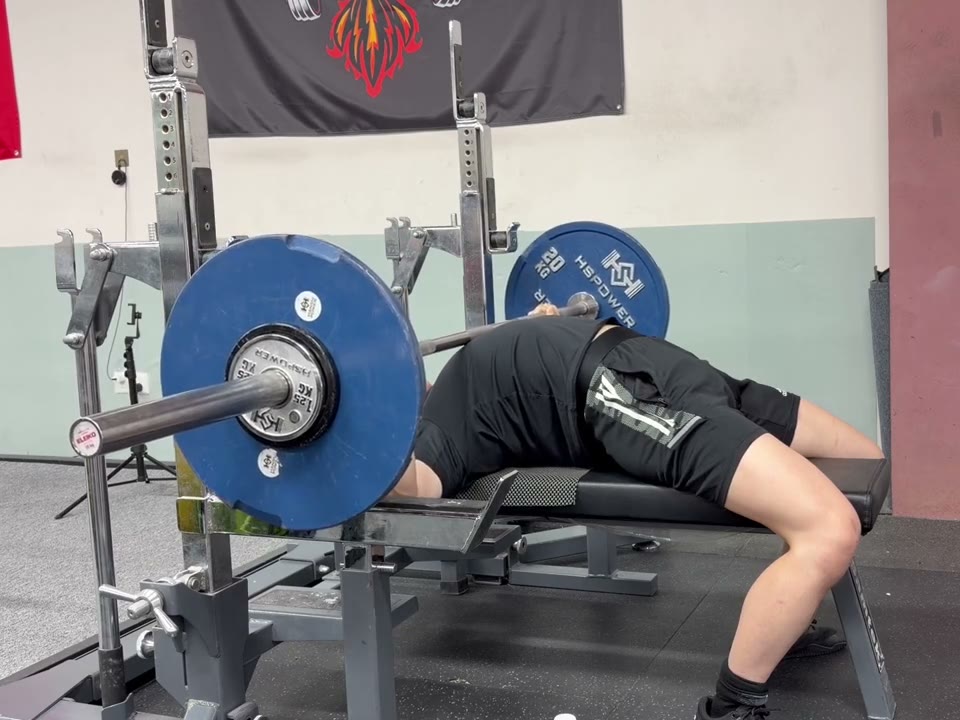
Bench line
A dashed line follows the bench from your head past your hips. It lights up when your elbows come down to the top of your shoulders. Whether your glutes stay on the bench is yours to check against it; the app doesn’t call it.
Bar path
White on the way down, theme color on the way up, for every rep.
Bar speed
Each rep’s mean concentric velocity sits above it on the timeline, so you can watch a set slow down.
Camera angle
A side view is the most accurate. Filmed from the foot of the bench, a quick unrack or rerack can be counted as an extra rep; fix the count before you save.