Do I need a sensor or a special barbell?
No. Lift Camera only uses the iPhone camera. Bar speed comes from the size of the plates on the bar.
Which lifts does it count?
Squat, bench press and deadlift. You pick the lift before filming; for imported videos the lift is recognized automatically.
Where should I put my phone?
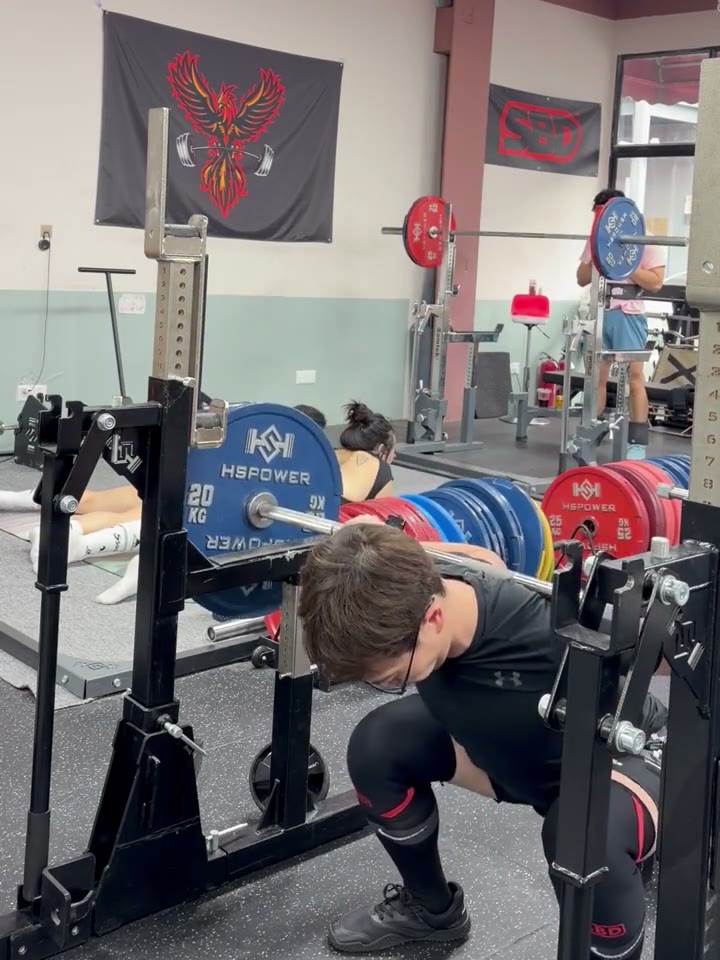
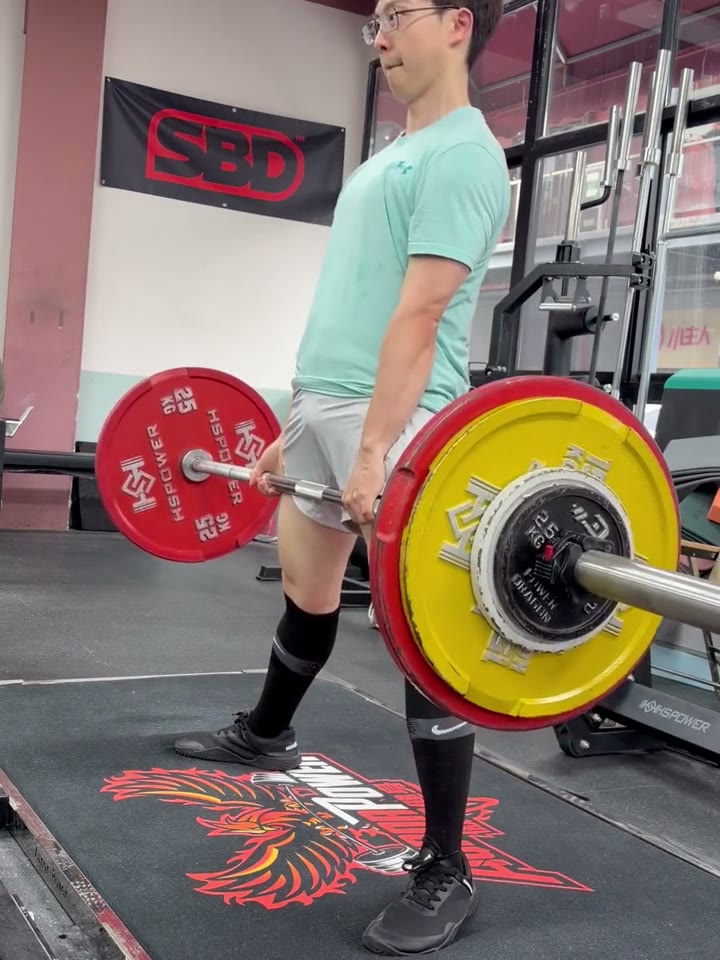
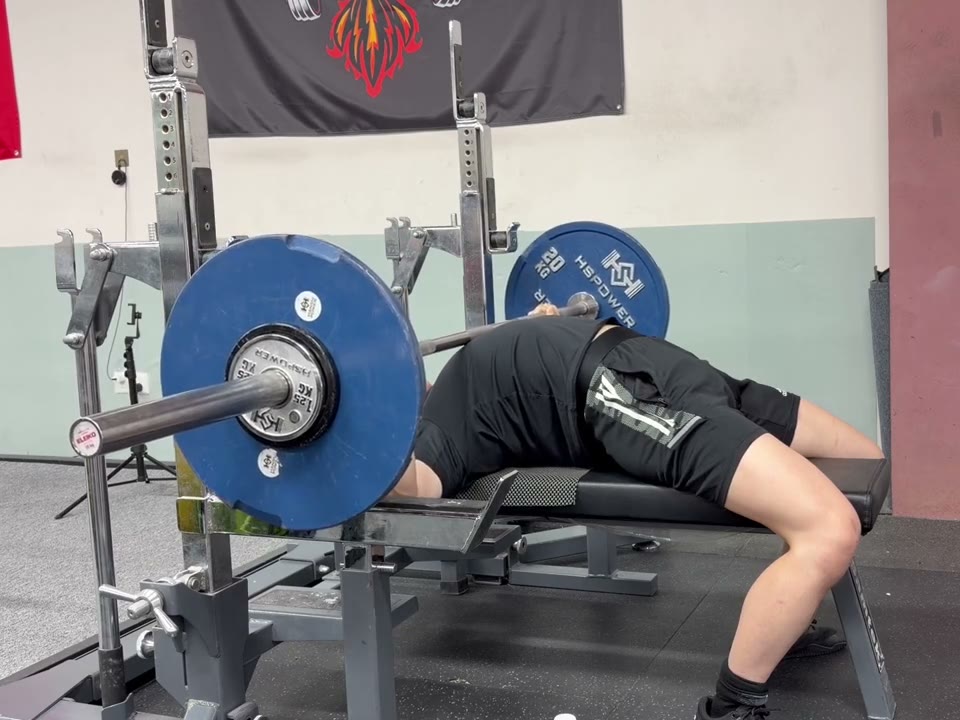
Squat: at hip height, about 45° off the front, with your whole body and the bar in view. Bench: at bench height, straight from the side, with the top of the bar path in view. Deadlift: at knee height, straight from the side, with the plates not hiding your body.
Does it judge my lifts?
No. It reminds you where the IPF Technical Rules (in force from March 2026) set the standard for squat depth, bench elbows and deadlift lockout. The lines are worked out from your joints; a side view is the most accurate.
How is bar speed measured?
From how far the plate moves and how long it takes, scaled by the plate’s diameter, which the app reads from its color: 450 mm for red and blue, 400 mm for yellow and 325 mm for green calibrated plates. Choose bumper plates in Settings and every plate counts as 450 mm. Sets where no plate is recognized show no speed.
Where are my videos and data kept?
Videos go to your Photos library. The training log stays on your iPhone and is also written into each video file. There is no account, and the app itself uploads nothing.
Can I use videos I already filmed?
Yes. Import them from Photos; you don’t have to give the app access to your whole library. The lift is recognized and the reps counted, and the original video stays as it is.
Does it work in landscape?
Yes. Turn the phone sideways and it films in landscape 4:3; playback shows it the right way up.
Which iPhones does it run on?
Any iPhone with iOS 26 or later, including iPhone Duo.